As an Amazon Associate I earn from qualifying purchases. This article contains affiliate links.
Quick Answer
Uno for Your First Board, Nano for Smaller Projects
If this is your first Arduino and you are still learning wiring, coding, and breadboard projects, I recommend starting with an Arduino Uno-style board. It is physically larger, easier to handle on a desk, has standard female headers, and includes both USB and a DC barrel power jack.
Choose the classic Arduino Nano when compact size and direct breadboard mounting matter more than ease of handling.
Arduino Uno vs Nano: Quick Comparison
The Uno Rev3 and classic Nano are much closer in computing power than their different sizes suggest. Both run at 5 V and 16 MHz and provide 32 KB of flash memory, 2 KB of SRAM, and 1 KB of EEPROM. The biggest differences are physical size, connectors, analog inputs, and how you build your circuit around the board.
| Feature | Arduino Uno Rev3 | Classic Arduino Nano |
|---|---|---|
| Microcontroller | ATmega328P | ATmega328 |
| Operating voltage | 5 V | 5 V |
| Clock speed | 16 MHz | 16 MHz |
| Flash memory | 32 KB | 32 KB |
| SRAM | 2 KB | 2 KB |
| EEPROM | 1 KB | 1 KB |
| Digital I/O | 14 (6 PWM) | 14 main digital pins (6 PWM) |
| Analog inputs | 6 | 8 |
| Board size | 68.6 × 53.4 mm | 18 × 45 mm |
| USB connector | USB Type-B | Mini-B USB |
| DC barrel jack | Yes | No |
| Breadboard mounting | Usually connected with jumper wires | Designed to fit directly into a breadboard |
This article compares the Uno Rev3 with the classic Arduino Nano. Newer Nano-family boards such as Nano Every, Nano ESP32, Nano 33 BLE, and Nano R4 have different specifications.
What Is the Arduino Uno?
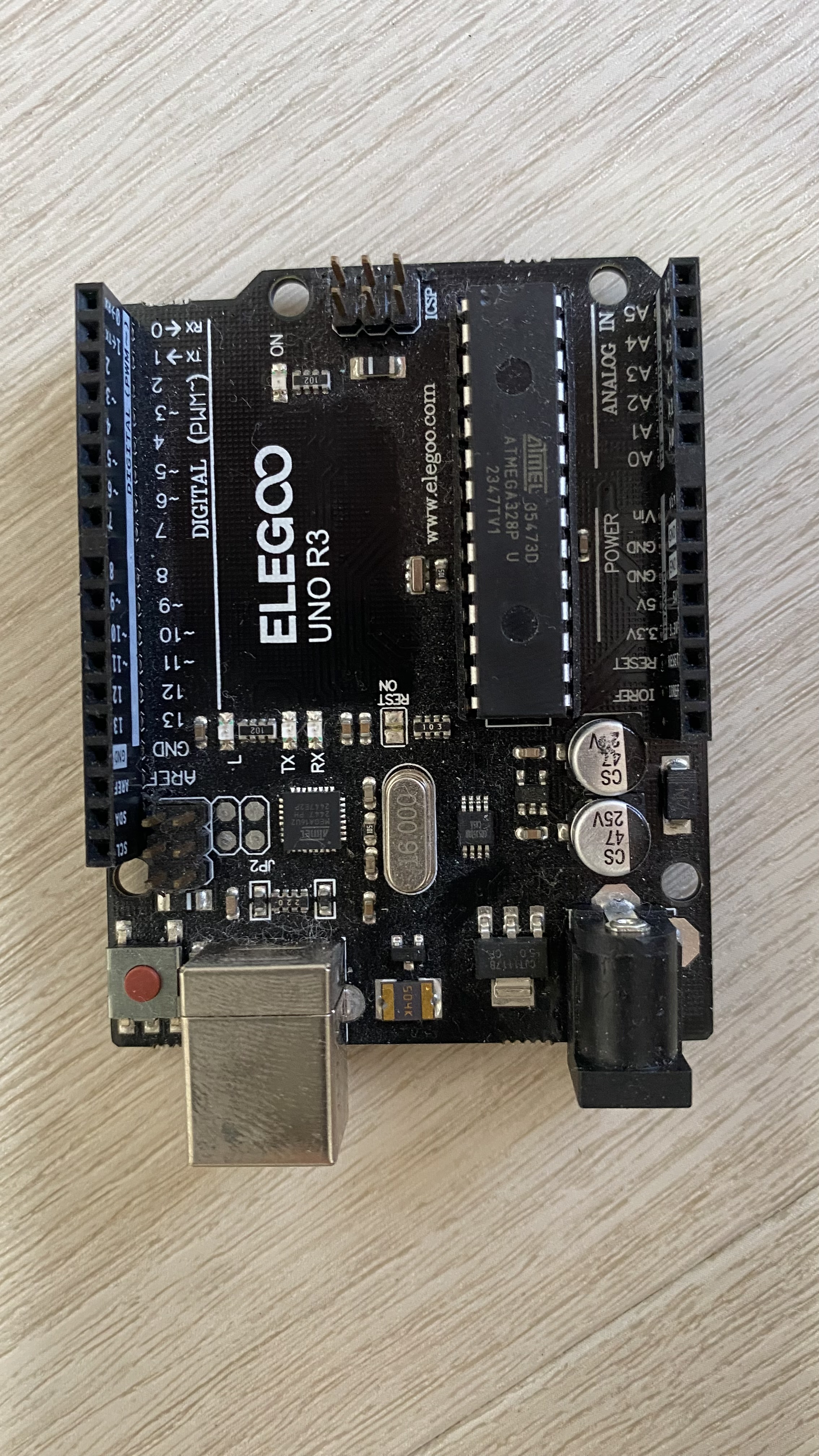
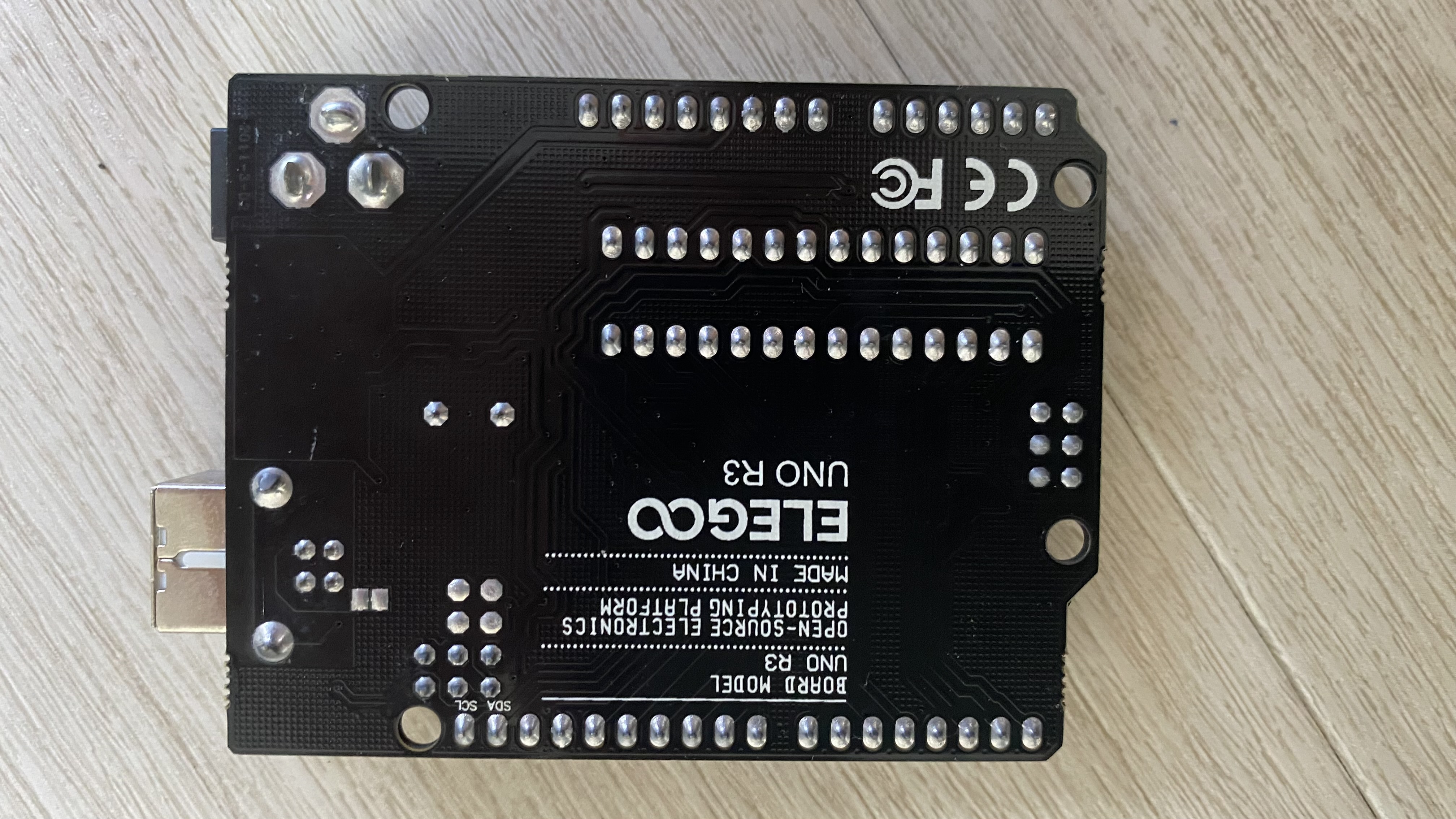
The Arduino Uno Rev3 is the classic full-size Arduino board. Arduino describes the Uno as a strong starting point for learning electronics and coding, and it is one of the most widely documented Arduino boards.
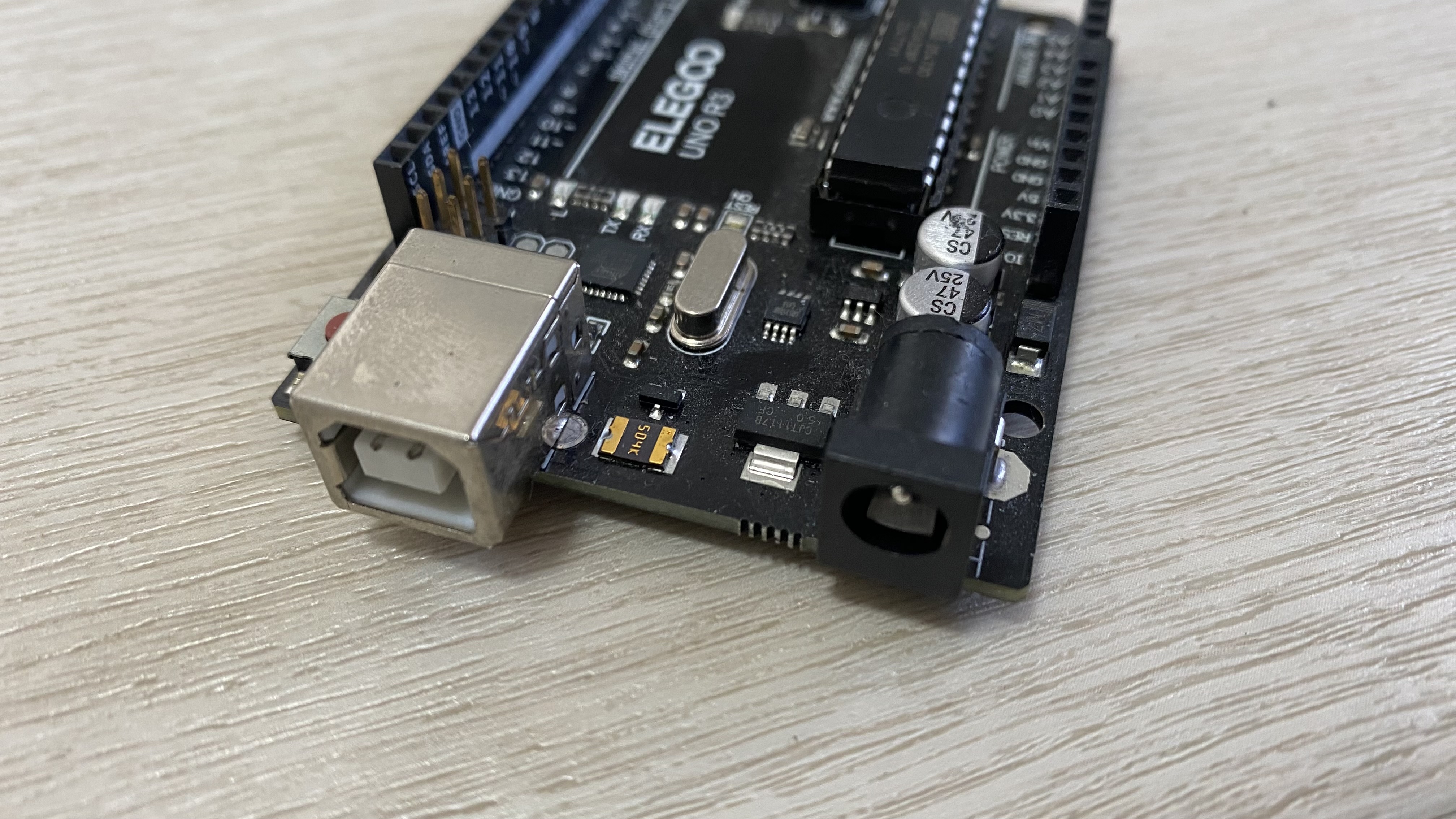
The Uno Rev3 uses an ATmega328P, has 14 digital I/O pins, 6 analog inputs, 6 PWM outputs, a 16 MHz clock, a USB connection, a DC power jack, an ICSP header, and a reset button.
Why the Uno Is Beginner-Friendly
- The larger board is easy to handle while learning.
- Female headers make jumper-wire connections straightforward.
- The USB connector and DC barrel jack give you simple power options.
- There are many tutorials, wiring diagrams, and beginner projects for the Uno.
- Uno-compatible shields can plug into the standard Uno form factor.
Who Should Buy the Arduino Uno?
Buy the Uno If...
- This is your first Arduino.
- You want to learn electronics on a desk or breadboard.
- You follow beginner tutorials and want the easiest board to match.
- You want a board that is easy to connect with jumper wires.
- You want a DC barrel jack in addition to USB power.
What Is the Arduino Nano?
The classic Arduino Nano is a much smaller ATmega328-based board designed to be breadboard-friendly. Despite the smaller board, it keeps many of the capabilities beginners expect from the classic 8-bit Arduino platform.
The classic Nano runs at 5 V and 16 MHz, provides 32 KB of flash memory, 2 KB of SRAM, 1 KB of EEPROM, 6 PWM outputs, and 8 analog inputs. Its PCB is only 18 × 45 mm, so it takes much less space than the Uno.
The Main Advantage: Size
The Nano can sit directly across the center gap of a breadboard when headers are installed. That makes it useful when the Arduino itself needs to become part of a compact circuit instead of sitting next to the breadboard.
What You Give Up Compared with the Uno
- The classic Nano does not have the Uno's DC barrel power jack.
- Its smaller size can be less comfortable for a complete beginner to handle.
- It uses Mini-B USB rather than the Uno's full-size USB Type-B connector.
- You need to pay close attention to the exact Nano model because the Nano family contains many different boards.
Who Should Buy the Arduino Nano?
Buy the Nano If...
- You already understand basic Arduino wiring.
- Your project needs to be small.
- You want the board mounted directly on a breadboard.
- You are building a compact permanent prototype.
- You need 8 analog inputs instead of the Uno's 6.
Arduino Uno or Nano: Which One Should You Buy?
Choose the Uno
The larger board, easy-to-see pin headers, power jack, and large amount of beginner material make the Uno the safer first purchase.
Choose the Nano
If you already know what you are building and board size matters, the Nano's breadboard-friendly 18 × 45 mm form factor is the stronger choice.
For learning, testing buzzer circuits, buttons, LEDs, and sensors on a desk, I would start with the Uno form factor. Once you want to make the same type of project smaller, the Nano becomes much more attractive.
Before You Buy an Arduino Uno or Nano on Amazon
Check the exact board name and specifications before ordering. In particular, "Arduino Nano" can refer to several very different products. If you want the classic board compared in this article, look for an ATmega328-based classic Nano.
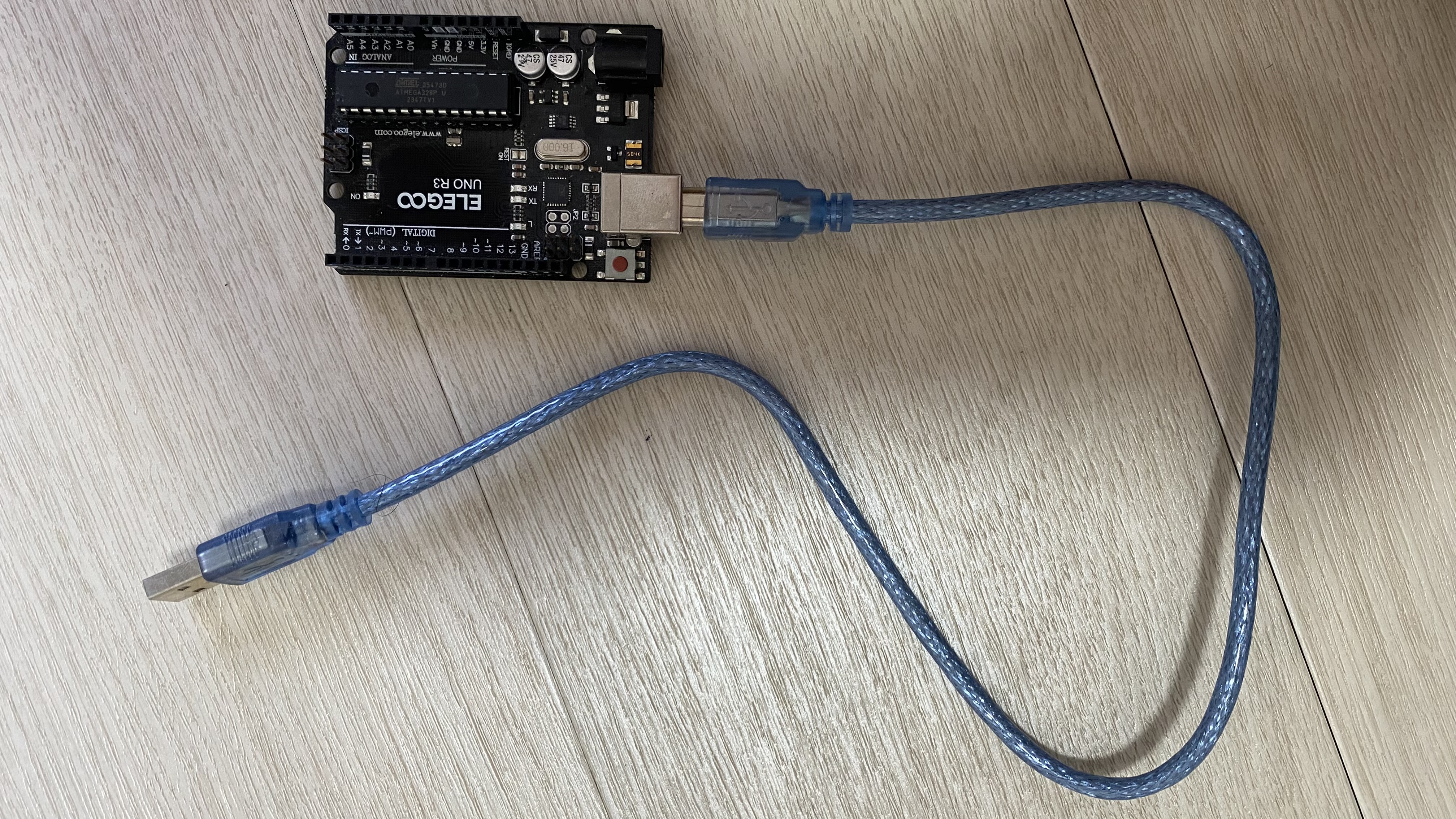
Also check which USB cable is included or required. The Uno Rev3 uses USB Type-B, while the classic Nano uses Mini-B USB. Compatible boards from other manufacturers may use different USB connectors, so confirm the current Amazon listing.
Technical References
Technical specifications in this comparison were checked against Arduino's official documentation and store pages for the Uno Rev3 and classic Arduino Nano.