Arduino Uno

The Arduino runs the program and sends the HIGH and LOW signals that create the tone.
Check Arduino Uno on AmazonA simple parts guide for beginners who want to play melodies with an Arduino and a passive buzzer.
As an Amazon Associate I earn from qualifying purchases. This page contains affiliate links.
To play music with an Arduino buzzer, you need an Arduino board, a passive buzzer, and a push button. You can buy these parts separately if you only want the minimum setup, or choose a starter kit if you want more parts for future projects.
The following three items are the minimum parts covered in this guide. They are also reusable in many other beginner Arduino projects, so they are useful even after you finish your first buzzer project.
The Arduino runs the program and sends the HIGH and LOW signals that create the tone.
Check Arduino Uno on Amazon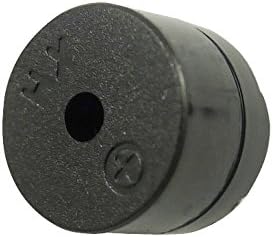
Use a passive buzzer for music. It can produce different pitches when the Arduino changes the output frequency.
Check Passive Buzzer on Amazon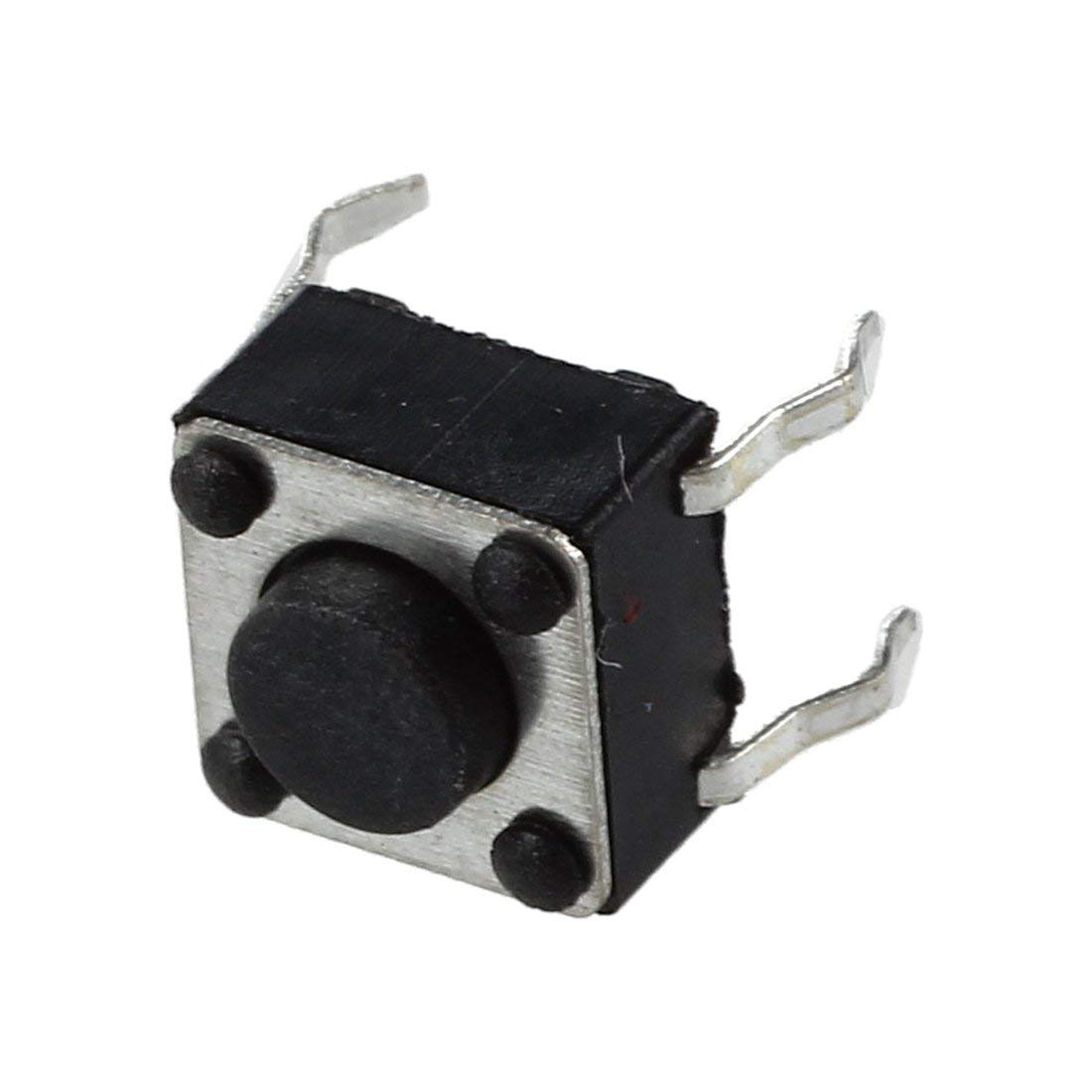
The button can be used to start the melody or control when the buzzer plays.
Check Push Button on Amazon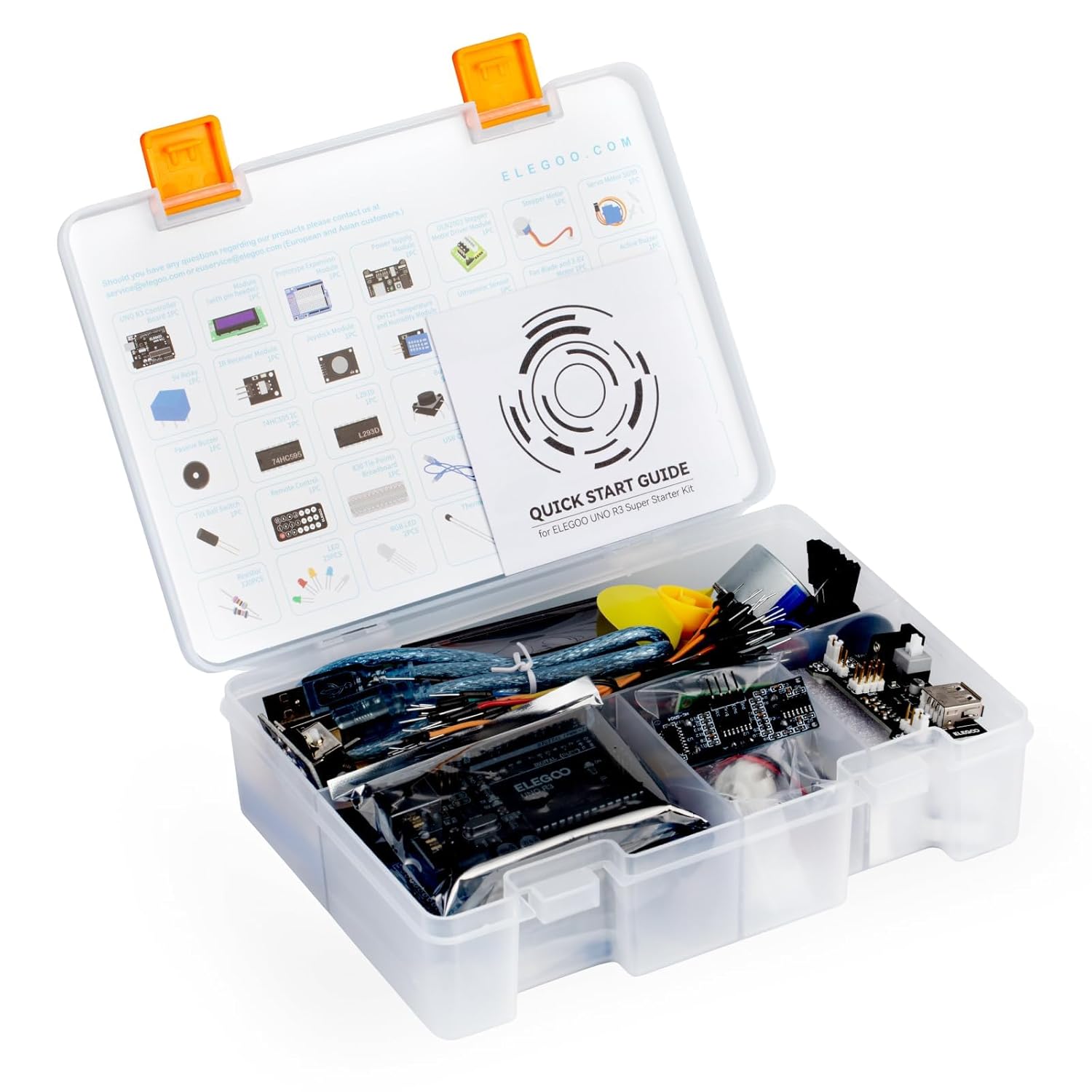
The starter kit introduced on this page includes the main Arduino board, a buzzer, and a push button. It also gives you more parts to use in future electronic projects.
Product contents can change. Check the current Amazon listing before ordering to confirm that the Arduino board, buzzer, and push button are included.
Next Step
Once you have the parts, you can move on to the full Arduino buzzer music tutorial. It includes the code, wiring diagram, and an explanation of how the buzzer generates sound.
View the Arduino Buzzer Music CodeChoose the minimum parts if you want a simple setup, or choose the starter kit if you want more components for future projects.
View the Starter Kit on Amazon